
Set Trigger and Limit Prices for a Stop-Limit Order
Learn how stop and limit prices work together, then follow a careful checklist to place and verify a stop-limit order.
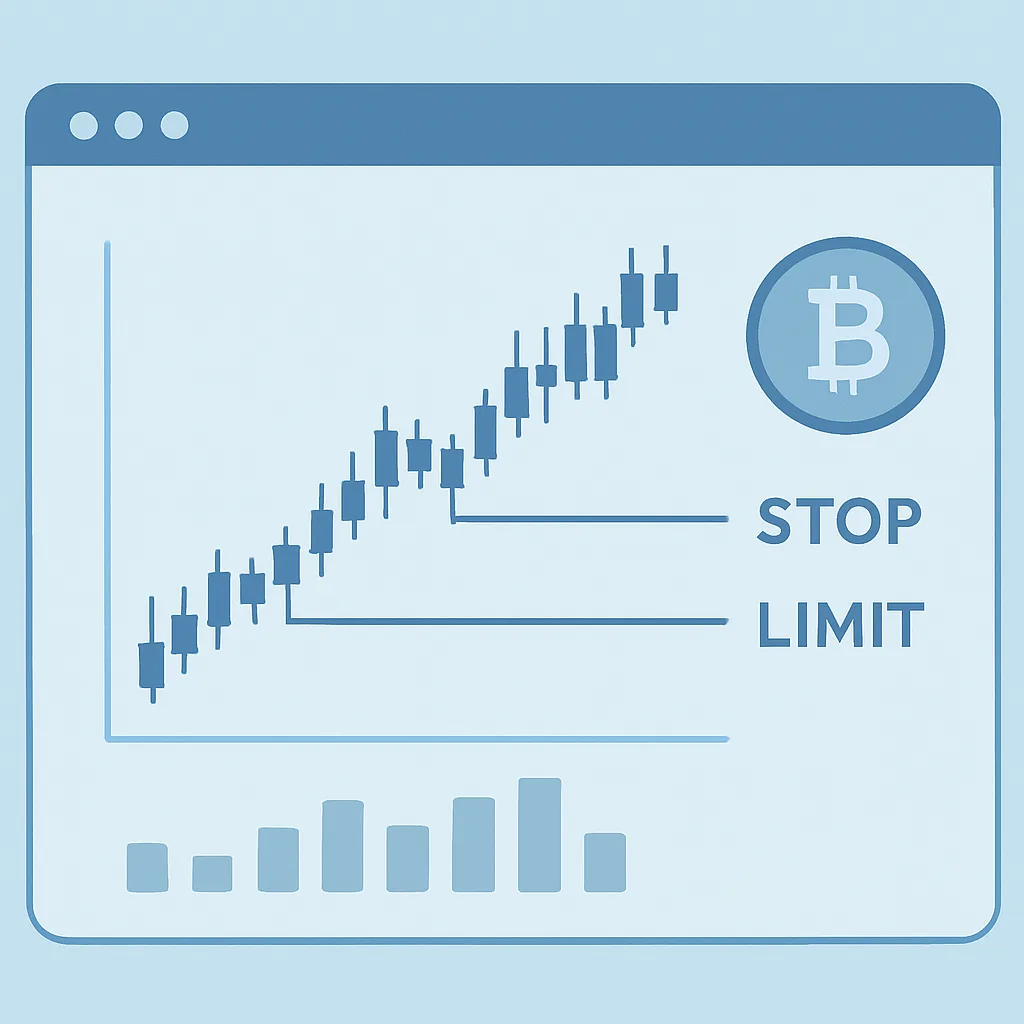
A stop-limit order combines a trigger price with a limit order. When the market reaches the stop price, the exchange submits a limit order at the limit price you set. This can help you define the price boundary for an entry or exit, but it does not guarantee a fill.
Know the two prices
Stop price: The price that activates the order. Depending on the exchange, the trigger may use the last traded price, mark price, or index price. Check the platform’s rules before placing the order.
Limit price: The price of the order submitted after activation. For a sell stop-limit, the limit is commonly set at or below the stop. For a buy stop-limit, it is commonly set at or above the stop. This gap can give the order more room to execute, but a wider gap may result in a less favorable price.
Step-by-step: place a stop-limit order
- Choose the market and product. Select the correct trading pair and confirm whether you are using spot or derivatives. The order’s effects and risks differ by product.
- Select the order type. Open the order form and choose “Stop-Limit” or the equivalent name used by the platform.
- Choose buy or sell. A buy order can be used to enter after a price rises to a trigger. A sell order can be used to exit or reduce a holding after a price falls to a trigger. Confirm the direction matches your intention.
- Enter the stop price. Set the price that should activate the order. Compare it with the current market price and verify which price reference the exchange uses to trigger it.
- Enter the limit price. Set the maximum price you will pay on a buy, or the minimum price you will accept on a sell. Consider how the gap between stop and limit may affect the chance of execution.
- Set the amount. Enter the quantity or value to trade. Review minimum order sizes, available balance, fees, and—if applicable—leverage and margin requirements.
- Review before submitting. Check the pair, side, stop, limit, amount, and any reduce-only or time-in-force settings. Make sure the order will not accidentally increase a position or sell more than you hold.
- Submit and verify. Confirm the order, then find it in open orders or conditional orders. Check that it is active and that its displayed details match your intended settings.
Example
Suppose an asset trades at 100 USDT and you want a sell order to activate if the price falls to 95 USDT. You might set a stop price of 95 and a limit price of 94.50. If the exchange’s trigger condition is met, it submits a sell limit at 94.50. The order may fill at 94.50 or better, but if the market moves below that price too quickly, it may remain unfilled.
Important risks and checks
- Activation is not execution. A stop-limit order can trigger without filling, especially during a fast move or in a thin market.
- Price gaps matter. If the market jumps past your limit price, the order may not trade. A larger stop-to-limit gap can improve execution chances while allowing a less favorable price.
- Check trigger rules. Exchanges may use different price references and may apply specific rules for trigger direction and order validity.
- Understand order duration. A good-till-canceled order may remain open until filled or canceled; other time-in-force options can expire sooner.
- Plan the trade size. Do not assume a stop-limit order guarantees a maximum loss. In derivatives, liquidation and margin rules can also affect a position.
Before relying on a stop-limit order, review the exchange’s documentation and consider testing the order controls with a small amount. This lesson is educational, not financial advice.