
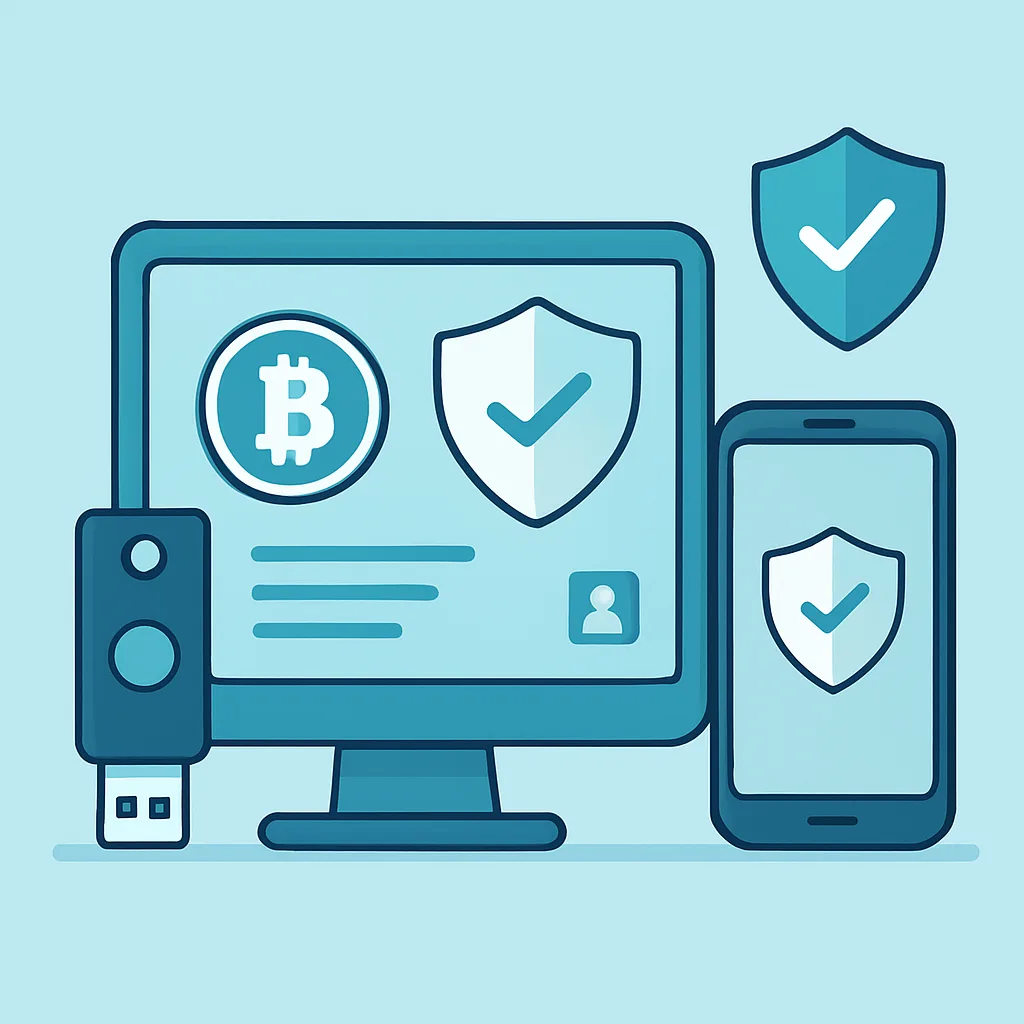
How to Secure a Crypto Account with Two-Factor Authentication
Learn how two-factor authentication adds a second layer of protection, which methods to choose, and how to check your crypto account’s security.
A strong password is important, but it may not be enough to protect a crypto account. If someone steals or guesses your password, two-factor authentication (2FA) can require an additional proof of identity before access is granted.
What is two-factor authentication?
Two-factor authentication uses two different kinds of proof to verify a login or sensitive action. These factors commonly include something you know, such as a password, and something you have, such as an authenticator app or security key. A one-time code sent by SMS is also a second factor, though it has important weaknesses.
2FA can reduce the chance that a stolen password alone will give an attacker access. It is not a guarantee: phishing, compromised devices, malware, and social engineering can still put an account at risk.
Choose a 2FA method
- Hardware security key: A physical key that you connect or tap to approve sign-ins. When supported, passkeys or security keys using phishing-resistant standards such as FIDO2/WebAuthn are generally strong options.
- Authenticator app: Generates time-based codes on your device, often without a mobile connection. Protect the device and store recovery information securely.
- SMS codes: Better than using no second factor, but vulnerable to risks such as SIM swapping and phone-number takeover. Prefer an app or security key when available.
Use the strongest option your exchange supports. Check the exchange’s official instructions and confirm whether 2FA is required for sign-ins, withdrawals, API changes, and other sensitive actions.
Set up 2FA carefully
- Open the exchange website or app by using a trusted bookmark or manually verified address. Avoid setup links sent in unexpected messages.
- Turn on 2FA in account security settings and follow the platform’s instructions.
- Save any recovery codes offline in a secure place, such as a protected password manager or locked physical storage. Do not share them or keep the only copy on the device you use to sign in.
- Test the method and recovery process before relying on it. Do not remove an old factor until the replacement has been tested.
- Never tell a caller, support agent, or message sender your one-time code or recovery code. Legitimate support should not ask you to disclose them.
Crypto account security checklist
- Use a long, unique password for the exchange account. Store it in a reputable password manager rather than reusing it elsewhere.
- Enable the strongest available 2FA and secure the email account used for exchange recovery with its own unique password and 2FA.
- Turn on login, withdrawal, and security-change alerts if the platform offers them.
- Review active sessions and trusted devices regularly; sign out sessions and remove devices you do not recognize.
- Use withdrawal allowlists or address confirmations where available. Check every address carefully before approving a transfer.
- Review API keys and connected applications. Remove anything you no longer use, and limit permissions; do not grant withdrawal access unless it is essential.
- Keep your operating system, browser, and security software updated. Avoid installing unknown apps or browser extensions.
- Use a device lock and be cautious on shared computers and public networks. Never approve a login prompt you did not initiate.
- Contact support only through the exchange’s official website or app. Be wary of urgent messages, impersonators, and requests to move funds to a “safe” wallet.
If you lose access or suspect a compromise
Use the exchange’s official recovery process from a trusted device. If you suspect someone has accessed your account, contact official support promptly, secure your email and phone account, change affected passwords, revoke unknown sessions and API keys, and follow the platform’s guidance on withdrawals. Do not share recovery codes, private keys, or seed phrases with anyone claiming they can restore access.
Security works best as a set of layers. Two-factor authentication can make stolen passwords less useful, while careful recovery-code storage, device hygiene, and regular account reviews help reduce other common risks.