
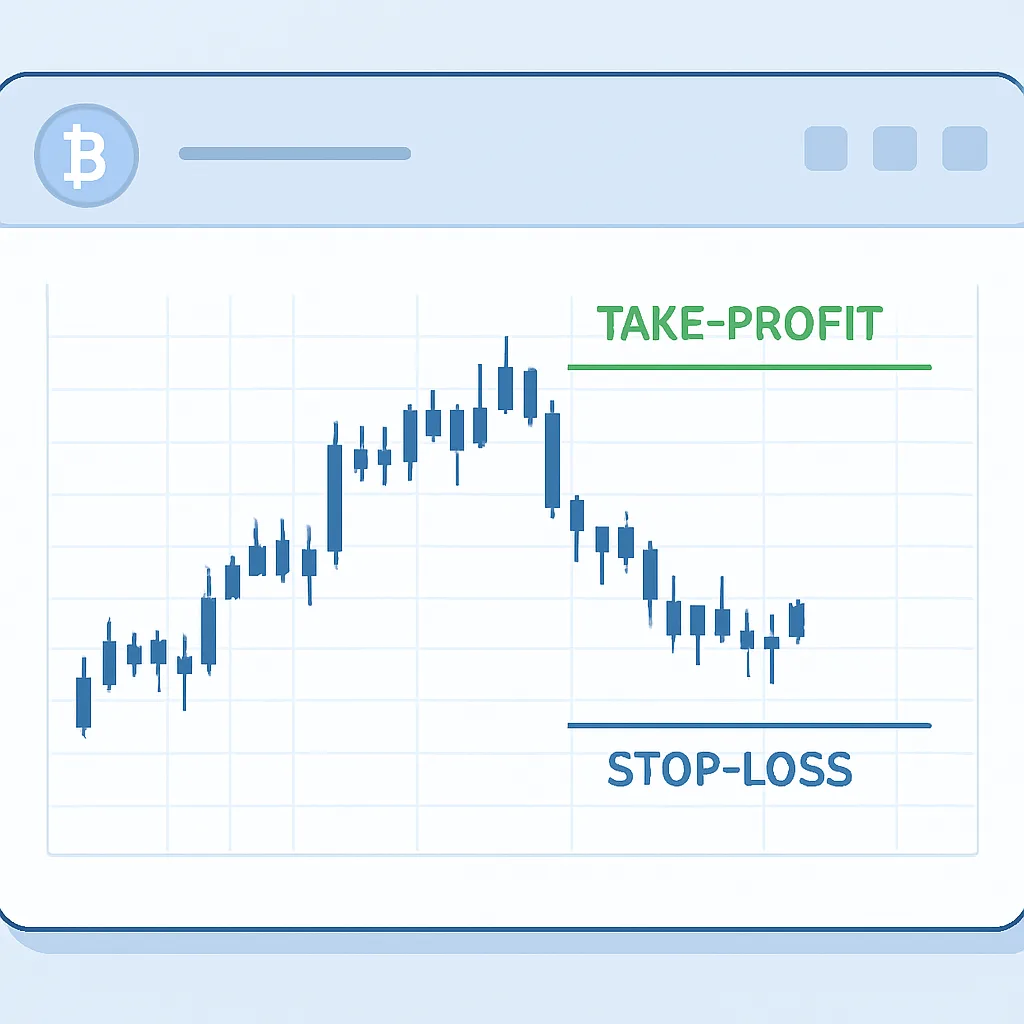
How to Set Take-Profit and Stop-Loss Orders on Yubbit
Learn how to configure exit levels on Yubbit-style trading platforms, check how trigger prices work, and avoid common order-setting mistakes.
Take-profit (TP) and stop-loss (SL) orders are tools for planning how a position may close when the market reaches a chosen price. A TP can help secure gains; an SL can help limit losses. Neither guarantees an exact exit price, especially during fast markets or when liquidity is thin.
Before setting your exit levels
Confirm the market, trading pair, position direction, and whether you are placing an order for spot or derivatives. On a derivatives platform, check the position size and margin mode as well. Platform labels and available options can change, so use the order panel’s current descriptions rather than assuming every Yubbit-style interface works identically.
Decide in advance what price movement would invalidate your trade idea and where you would consider taking gains. Avoid choosing levels solely because they produce a preferred profit-to-loss ratio. Account for volatility, fees, and the possibility that a trigger may execute at a different price.
Setting TP and SL on an open position
- Open the relevant market and position panel. Verify that the displayed position matches the asset and direction you intend to manage.
- Choose the TP/SL control. Depending on the interface, it may be available beside an open position or within an order-management panel.
- Enter the trigger price or price movement. Check whether the platform asks for a market price, percentage, or another input. Make sure a TP and SL are on the appropriate sides of the current price for your position.
- Set the amount to close. Select the full position or a partial size if the platform supports partial exits. Confirm whether the setting applies to the whole position or only a specified quantity.
- Review the trigger and execution details. A trigger price may activate a market order or a limit order. Market execution can experience slippage; a limit order may not fill.
- Submit and verify. After confirmation, check the open-orders or position panel to ensure the TP and SL are active and linked as intended.
Trigger price is not always execution price
A stop trigger tells the platform when to submit or activate an exit order; it does not necessarily promise execution at that exact price. With a stop-market order, the eventual fill can differ from the trigger during a price gap or rapid move. With a stop-limit order, the limit price constrains the acceptable fill price, but the order can remain unfilled if the market moves past it.
Take-profit orders also have execution details worth checking. A TP limit order may not fill if the market briefly touches its level without enough available liquidity. Review whether the platform uses last-traded price, mark price, or index price as the trigger reference, particularly for derivatives.
Common mistakes to avoid
- Reversing the levels: Check that the stop and target make sense for a long or short position before submitting.
- Using the wrong quantity: A TP or SL may cover only part of a position, or may exceed the amount still open.
- Ignoring order behavior: Know whether the exit activates a market or limit order and what happens if it cannot fill.
- Assuming protection is guaranteed: Platform outages, gaps, low liquidity, and execution rules can affect outcomes.
- Forgetting to update exits: If you change or close a position, verify that related orders are adjusted or canceled as appropriate.
Use a careful final check
Before leaving the order screen, confirm the market, position side, trigger reference, TP and SL prices, quantity, and order type. Monitor the position and open orders as conditions change. TP and SL orders are execution tools, not a substitute for a trading plan or a guarantee against loss. Derivatives can magnify losses, so only trade with funds you can afford to lose.