
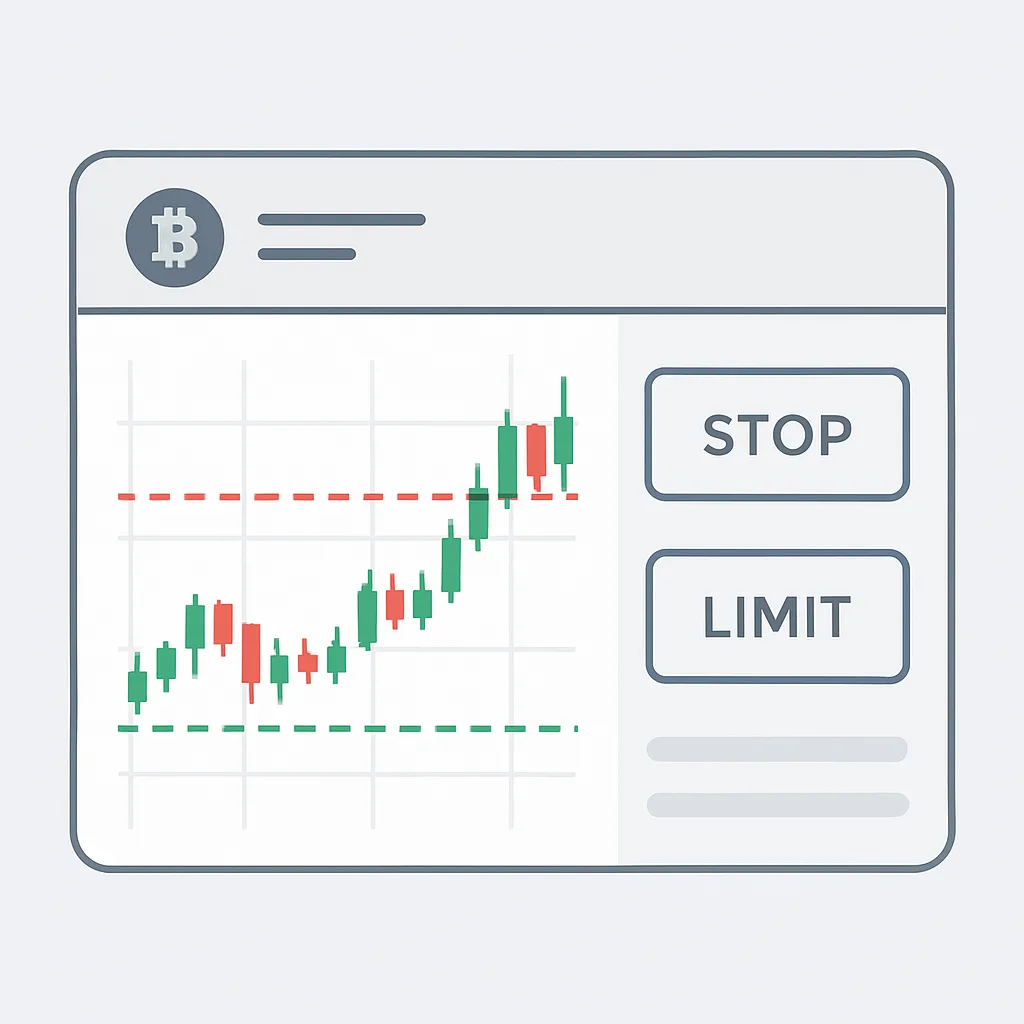
Step by Step: Placing a Stop-Limit Order with Care
Learn how to set a stop trigger and limit price, review order details, and understand what can prevent a stop-limit order from filling.
A stop-limit order combines a trigger price with a limit order. When the market reaches the stop price, the exchange places a limit order at the limit price you set. This can help you define a price boundary, but it does not guarantee execution: if the market moves past your limit before a matching buyer or seller appears, the order may remain unfilled.
Before you start
Check the trading pair, available balance, and order rules on your exchange. Confirm whether the order is for spot or derivatives, and review any applicable fees. Stop-limit interfaces and trigger-price rules can vary, so read the exchange’s on-screen guidance before submitting.
Step 1: Choose the market and side
Open the relevant trading pair and select whether you want to buy or sell. Check that the base and quote assets are correct. A buy order uses funds to acquire the base asset; a sell order offers base-asset holdings for the quote asset.
Step 2: Select the stop-limit order type
In the order panel, choose Stop-Limit. You will typically see fields for a stop price, a limit price, and an amount or quantity. Some platforms label these fields differently, so verify what each one means in the interface.
Step 3: Set the stop price
The stop price is the trigger. When the exchange’s specified price source reaches it, the stop-limit order becomes active as a limit order. For a sell order intended to activate after a decline, traders often place the stop below the current market price. For a buy order intended to activate after a rise, they often place the stop above it. These are common patterns, not guaranteed strategies; check whether the exchange triggers on last price, mark price, or another reference.
Step 4: Set the limit price
The limit price sets the least favorable price you are willing to accept. For a sell, it is generally the minimum acceptable sale price; for a buy, it is generally the maximum acceptable purchase price. A sell limit below its stop or a buy limit above its stop may improve the chance that the order can match once triggered, but the trade-off is accepting a less favorable price. A tighter limit may offer more price control while increasing the chance of no fill.
Step 5: Enter the amount
Enter the quantity you want to trade, or the order value if the interface supports it. Check the estimated total and confirm that the amount fits your balance and risk plan. For leveraged products, also review margin requirements and liquidation risk; a stop-limit order does not remove those risks.
Step 6: Review and submit
Before confirming, check the pair, side, stop price, limit price, amount, and any estimated fees. Make sure the price levels reflect your intended plan rather than a misplaced decimal or the wrong quote currency. Submit the order only after reviewing the confirmation details.
Step 7: Monitor the order status
After submission, check the open-orders or order-history panel. Before the trigger is reached, the order may appear as pending. After triggering, it becomes a limit order and can be partially filled, fully filled, or remain open. If it is not filled, review the market price and available liquidity before deciding whether to cancel or replace it. Cancelling or changing an order may have platform-specific rules.
Example
Suppose an asset is trading at 100 units. You want a sell stop-limit order to activate after a decline. You set a stop price of 95 and a limit price of 94. Once the exchange’s trigger condition is met at 95, it places a sell limit order at 94. If the market falls quickly to 93 without matching your order, the order can remain unfilled. The numbers are illustrative, not a recommendation.
Key point
A stop-limit order gives you control over the limit price after a trigger, but that control comes with execution risk. Confirm the exchange’s trigger rules, use prices and quantities carefully, and monitor the order after it is placed. This lesson is educational and not financial advice.