
How to Place a Stop-Limit Order Without Confusing Its Prices
Learn how trigger and limit prices work together, then follow a practical checklist to set and review a stop-limit order.
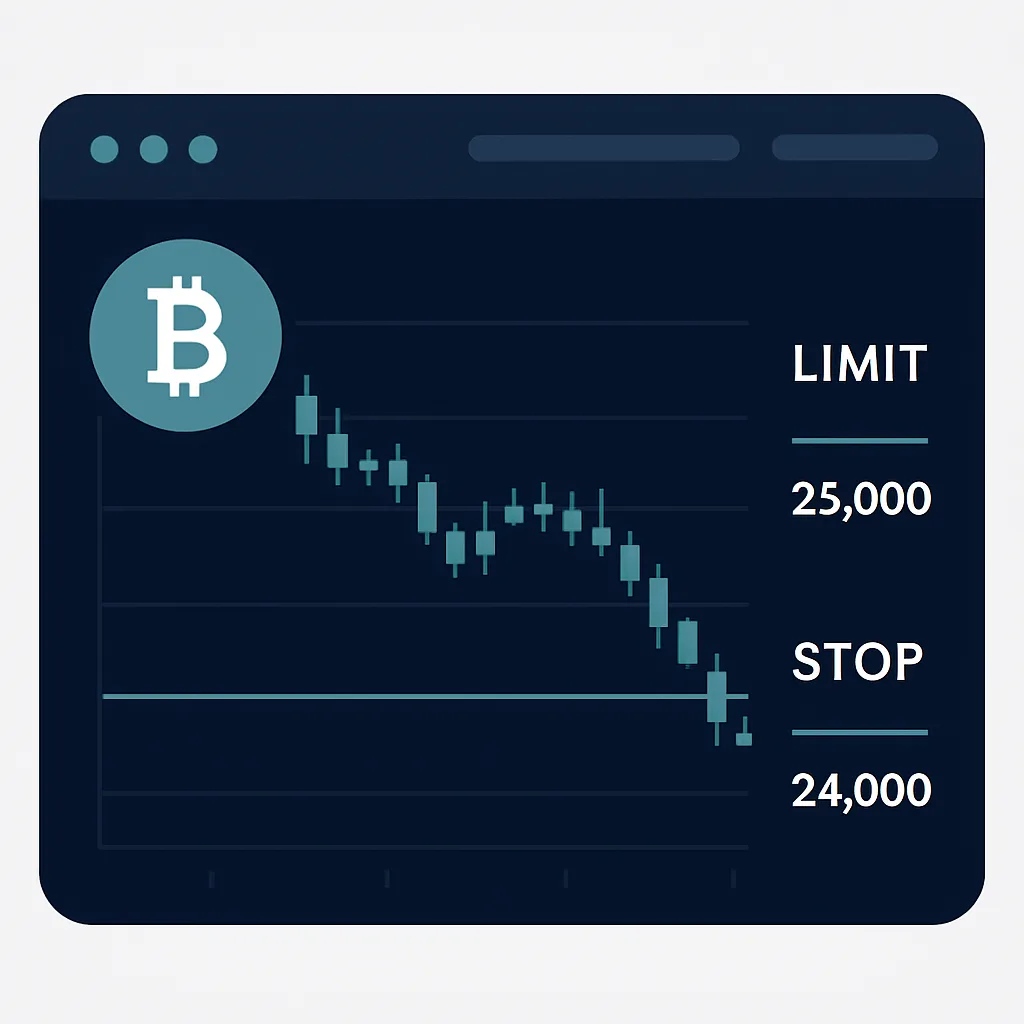
A stop-limit order combines a trigger with a limit price. When the market reaches your stop price, the exchange submits a limit order at the limit price you chose. This can help you control the price you are willing to accept, but it does not guarantee execution: if the market moves past your limit without matching it, your order may remain unfilled.
Know the two prices
- Stop price: The trigger that activates the order. Depending on the platform, the trigger may use the last traded price, mark price, or another reference price. Check the platform’s rules.
- Limit price: The price of the order submitted after the trigger. The order can fill only at that price or better, subject to available liquidity.
For a sell stop-limit, traders commonly set the limit price at or below the stop price. For a buy stop-limit, they commonly set it at or above the stop price. The gap gives the order a better chance of filling after activation, but a wider gap can mean accepting a less favorable price. Neither arrangement guarantees a fill.
Step by step
- Choose the market and order side. Open the correct trading pair and decide whether you are placing a buy or sell order. Confirm whether the product is spot or derivatives, since the risks and order settings can differ.
- Select Stop-Limit. In the order panel, choose the stop-limit order type. Do not confuse it with a stop-market order, which generally submits a market order after its trigger and may fill at a different price.
- Set the stop price. Choose the level that should activate the order, based on your plan. Verify which price reference triggers it and whether the platform treats the stop as a trigger above or below the current market price.
- Set the limit price. Enter the price at which the resulting limit order may execute. Consider how quickly the market could move after activation. A very tight gap may leave the order unfilled during a fast move.
- Enter the quantity. Set the amount to buy or sell, and check the estimated value, available balance, and any applicable minimum order size.
- Review the order summary. Confirm the pair, side, stop price, limit price, quantity, and any time-in-force setting. Make sure the order matches your intended risk plan.
- Submit and verify. Place the order, then check the open-orders area. Confirm it appears with the intended details. An order that has not reached its trigger may be listed as conditional or pending.
- Monitor its status. After the trigger is reached, check whether the limit order is open, partially filled, fully filled, or canceled. If it remains open, decide what to do according to your plan rather than assuming the position has been closed or opened.
Example
Suppose an asset is trading at 100, and a trader wants a sell order to activate if the price falls to 95. They might set a stop price of 95 and a limit price of 94.50. If the trigger condition is met, the exchange submits a sell limit order at 94.50. It can execute at 94.50 or higher, but if the market drops quickly below that price and buyers are unavailable there, the order may not fill.
Common mistakes to avoid
- Reversing the prices: Check the stop and limit fields before submitting. Their roles are different, and platform interfaces may display them in different orders.
- Expecting guaranteed execution: A stop-limit order can trigger without filling. Consider whether execution certainty or price control matters more for your situation.
- Ignoring trigger rules: The selected reference price and trigger conditions can affect when the order activates.
- Forgetting order size or existing orders: Review balances and open orders to avoid placing an unintended amount or duplicating an order.
- Leaving an order unchecked: Markets change, and an unfilled order may no longer fit your plan. Review it and cancel or adjust it only after considering the consequences.
Before using a stop-limit order with meaningful funds, review the exchange’s order documentation and consider practicing with a small amount or in a demo environment. Stop-limit orders manage execution conditions; they do not remove market risk or guarantee a particular outcome.