
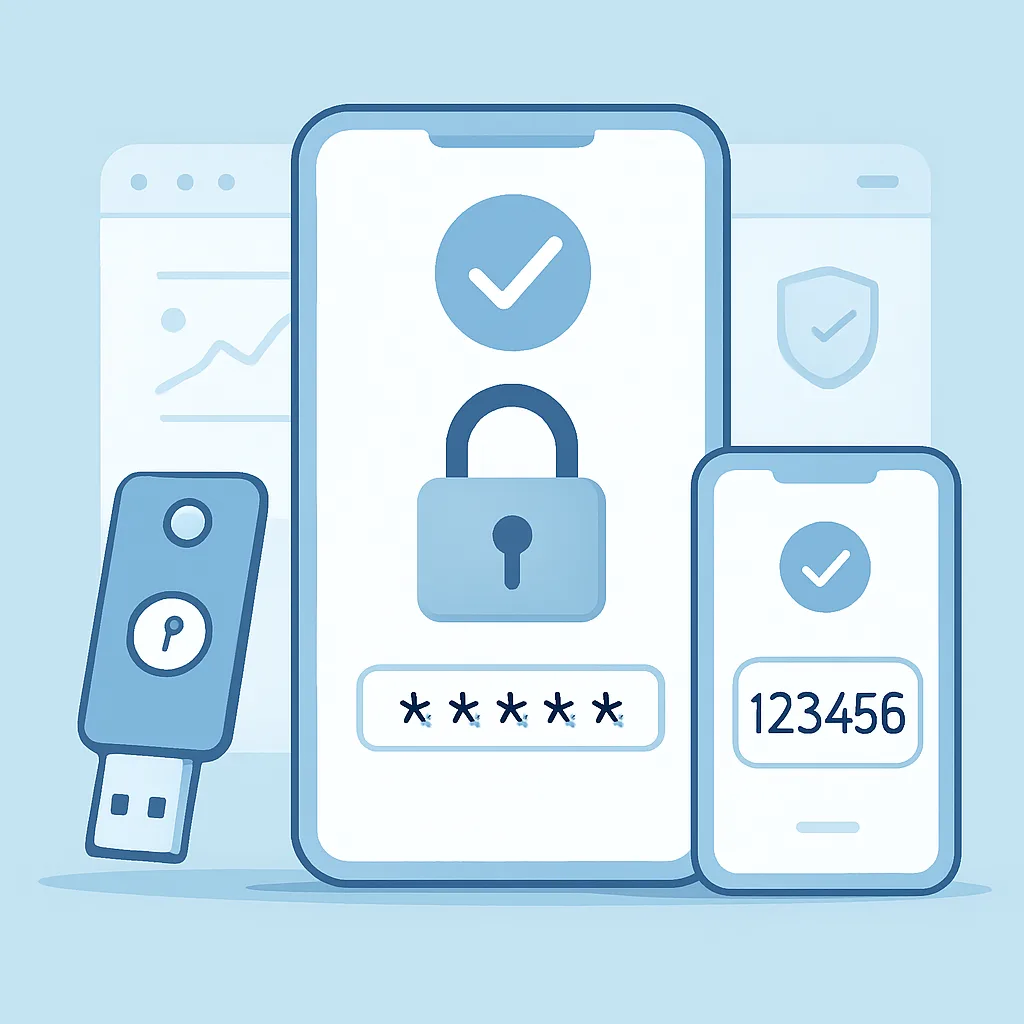
Two-factor authentication and account security checklist — Oct 2026
Learn how two-factor authentication adds a second layer of defense, which methods to choose, and how to review your account security with a practical checklist.
Your password is only one barrier protecting a crypto account. Two-factor authentication (2FA) adds a second proof of identity, making it harder for someone to sign in even if they learn or steal your password. It cannot prevent every attack, so combine it with careful account habits and a regular security review.
What is two-factor authentication?
Authentication factors are usually grouped into three types: something you know, such as a password; something you have, such as a phone or security key; and something you are, such as a fingerprint. 2FA requires two different factors. A password and a one-time code from an authenticator app are two factors; a password and a second password are not.
When enabled, 2FA may be required at sign-in or for sensitive actions such as changing account settings or making withdrawals. The exact requirements depend on the platform. Review the security options in your account and enable 2FA wherever it is available.
Choose a 2FA method thoughtfully
- Hardware security key: A physical key that you connect or tap to approve a sign-in. When supported, it offers strong resistance to phishing. Keep a securely stored backup key if the service allows one.
- Authenticator app: Generates temporary codes on your device. It is generally a stronger choice than text messages, but protect the device and store recovery information securely.
- SMS codes: Sent to your phone number. This is more protective than relying on a password alone, but phone-number takeover and SIM-swap attacks can expose codes. Use a stronger supported method when practical.
Do not share a 2FA code with anyone. A legitimate support representative should not ask you to read out a one-time code or approve a sign-in you did not initiate.
Set up 2FA safely
- Open the platform by typing its known address or using a trusted bookmark. Avoid links in unexpected messages.
- Find the security settings and select a supported 2FA method.
- Follow the platform's setup instructions. If you use an authenticator app, scan the setup code only within the app and confirm the generated code on the platform.
- Save backup codes or recovery instructions if offered. Store them offline in a private, secure place—not in an unprotected note, email, or screenshot.
- Add a backup security key or recovery method if available, then test that you can use it without disabling your main protection.
- Sign out and sign back in, if appropriate, to confirm the method works and that you understand the recovery process.
Never send a setup QR code, secret key, backup code, or one-time code to another person. Anyone with the setup secret may be able to generate your codes.
Account security checklist
- Use a long, unique password for your account. A reputable password manager can help create and store it.
- Enable the strongest practical 2FA method supported by the platform, preferably a security key or authenticator app where available.
- Secure the email account linked to your crypto account with its own unique password and 2FA.
- Review active sessions and signed-in devices; end any you do not recognize or no longer use.
- Check account recovery details, trusted devices, API keys, and withdrawal settings. Remove anything unfamiliar or unnecessary.
- Turn on available sign-in, security-change, and withdrawal notifications.
- Keep your phone, computer, browser, and security apps updated. Use a device lock and avoid signing in on shared or public devices.
- Be wary of urgent messages, fake support accounts, and websites that imitate a platform. Verify the address before entering credentials.
- Keep recovery codes and backup keys separate from your everyday device and protect them from theft, damage, and unauthorized access.
If you lose access or suspect a compromise
Use the platform's official recovery process, reached through its verified website or app. If you suspect someone has accessed your account, contact support through official channels, secure your email and devices, review sessions and security settings, and follow the platform's instructions about restricting account activity. Do not trust unsolicited calls or messages claiming they can recover your account in exchange for codes, passwords, or payment.
2FA is an important layer, not a guarantee. A unique password, secure recovery process, cautious link-checking, and regular account reviews work together to reduce the chance that a single mistake puts your crypto account at risk.