
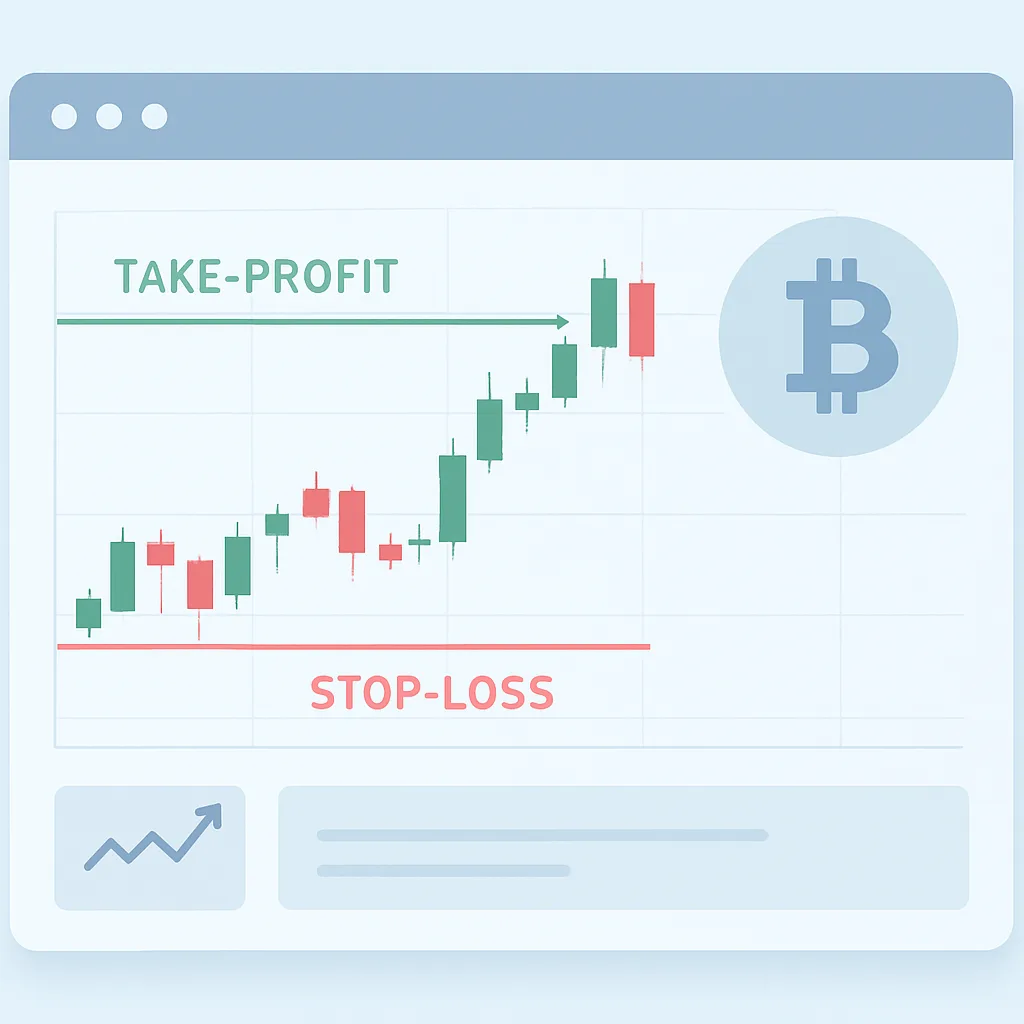
Setting take-profit and stop-loss on Yubbit-style platforms — Oct 2026
Learn how take-profit and stop-loss orders can help manage an open position, how to configure them on a Yubbit-style platform, and what execution risks to check before relying on them.
Take-profit and stop-loss orders are tools for managing an open trade. A take-profit order aims to close a position after the market reaches a chosen favorable price. A stop-loss order aims to close it if the market moves against you to a specified level. They can help you follow a plan, but they do not guarantee a particular outcome or eliminate trading risk.
Know what you are setting
Before entering values, confirm whether the platform is showing a spot or futures position, whether you are opening or closing, and whether the order applies to the full position or only part of it. On futures platforms, also check the position direction and whether the setting is reduce-only or otherwise restricted from increasing exposure. Interface labels and available order behavior can vary.
- Take-profit: sets a target intended to close some or all of a position when price moves favorably.
- Stop-loss: sets a trigger intended to close some or all of a position when price moves unfavorably.
- Trigger price: the price that activates the exit instruction; it may not be the final execution price.
Set the orders step by step
- Open the correct market and position. Verify the asset, contract, position side, size, and margin mode if applicable.
- Choose the exit controls. Find the platform’s take-profit and stop-loss fields or position-management controls. Read the order preview and any help text.
- Enter a take-profit level. Choose a price consistent with your plan and make sure it is on the favorable side of the current price for your position.
- Enter a stop-loss level. Choose a level that reflects how much loss you are prepared to accept. Check that it is on the adverse side of the current price for your position.
- Choose size and execution method. If the platform allows partial exits, confirm the amount. Check whether activation submits a market order or a limit order, and review any time-in-force or reduce-only settings.
- Review and confirm. Inspect the market, side, trigger prices, quantity, and estimated effect before submitting.
- Verify the result. Check the open orders or position panel to confirm the exits are active and associated with the intended position.
Understand trigger and execution risk
A trigger price is not necessarily a guaranteed fill price. A stop that activates a market order may execute at a worse price during fast movement, low liquidity, or a gap. A stop that activates a limit order can control the minimum acceptable sale price or maximum purchase price, depending on direction, but may remain unfilled if the market moves past the limit. Take-profit orders can also fail to fill if their execution conditions are not met.
Check which price source triggers the order, such as last traded price, mark price, or index price. These can differ, especially in volatile markets. On leveraged futures, a stop may not execute before liquidation, and liquidation rules are separate from your stop settings. Never assume an exit order protects a position unless the platform confirms it is active and the relevant conditions are understood.
Common mistakes to avoid
- Entering a trigger on the wrong side of the current price or for the wrong position direction.
- Confusing a trigger price with a guaranteed execution price.
- Setting an exit quantity larger than the position, or accidentally creating an order that increases exposure.
- Assuming take-profit and stop-loss orders are automatically linked or cancel one another. Confirm whether the platform uses an OCO (one-cancels-the-other) arrangement.
- Changing or closing a position without checking whether its associated exit orders were updated or canceled.
- Relying on an untested interface or assuming settings are identical across spot and futures markets.
Use a plan, not just an order
Decide your acceptable risk and exit conditions before placing a trade. Consider position size, volatility, liquidity, fees, and the possibility of slippage. After setting exits, monitor their status and review them when the position changes. Take-profit and stop-loss controls can support disciplined risk management, but they cannot assure profits or prevent losses.
This lesson is educational, not financial advice. Crypto markets are volatile, and you may lose some or all of your funds.